> For the complete documentation index, see [llms.txt](https://docs.tempoweave.com/llms.txt). Markdown versions of documentation pages are available by appending `.md` to page URLs; this page is available as [Markdown](https://docs.tempoweave.com/help-by-menu-tabs/help/updates-for-tempoweave-studio.md).
# Updates for TempoWeave Studio
A small green box will appear in the upper right corner of the TempoWeave screen when a new update is available.
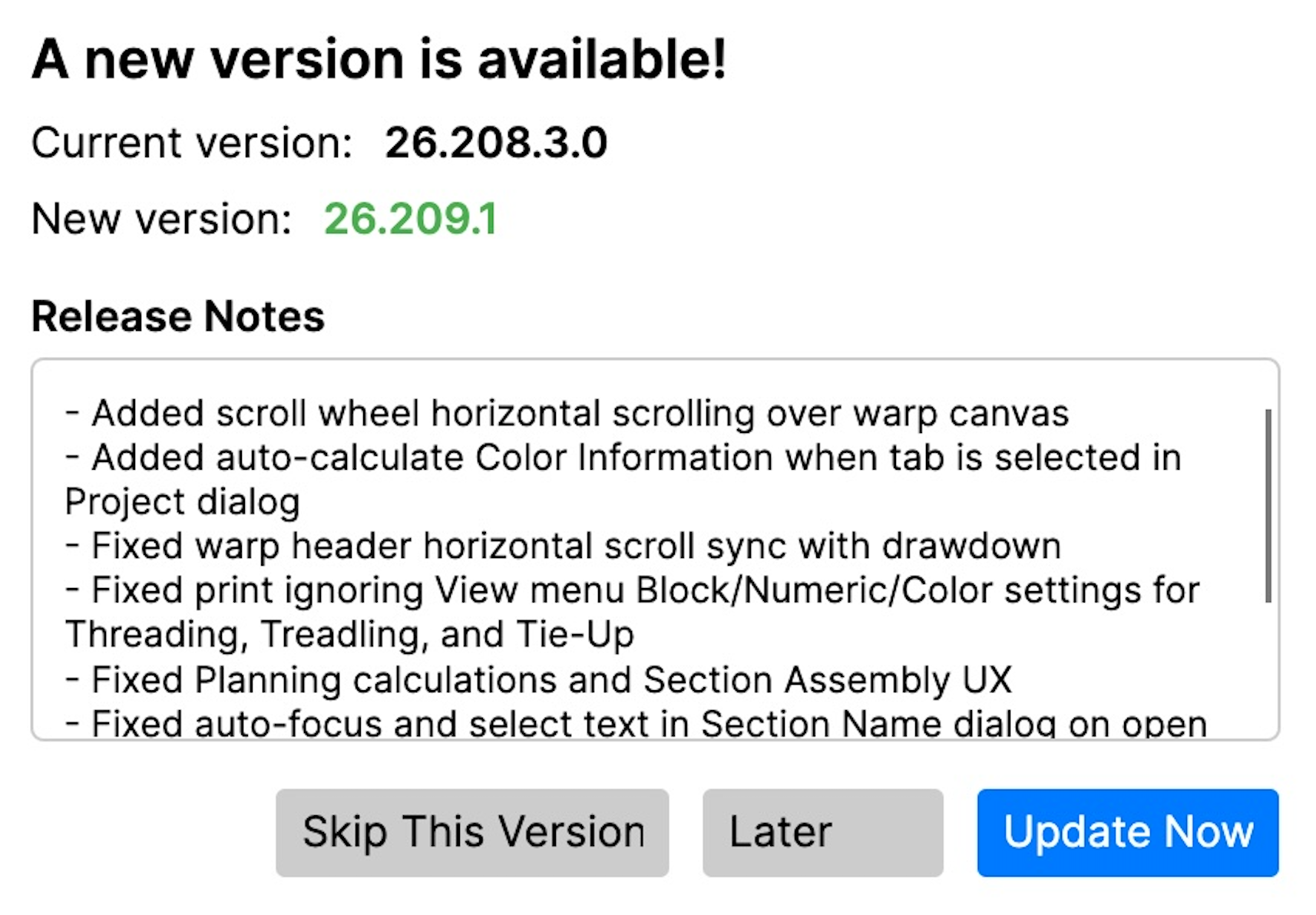
Click the green box update available box and a screen similar to the following will be shown with version numbers, release notes and an option to skip, leave the notification up and update later, or Update Now.
We recommend that you always install the updates. This is a quick and easy process. Updates not only have new features, but often include bug fixes. If you want to know the complete list in easy update, the Release Notes are easier to see here: [Release Notes](/release-notes.md)